

Text quickstart
Ask a yes/no question about a message. Set your Morph API key, then run:answers.is_urgent.noul: the probability of yes, from 0 to 1. This request returned:

1. Choose an image
This frame comes from our satellite demo. We’ll ask whether outdoor mechanical equipment is visible beside the building.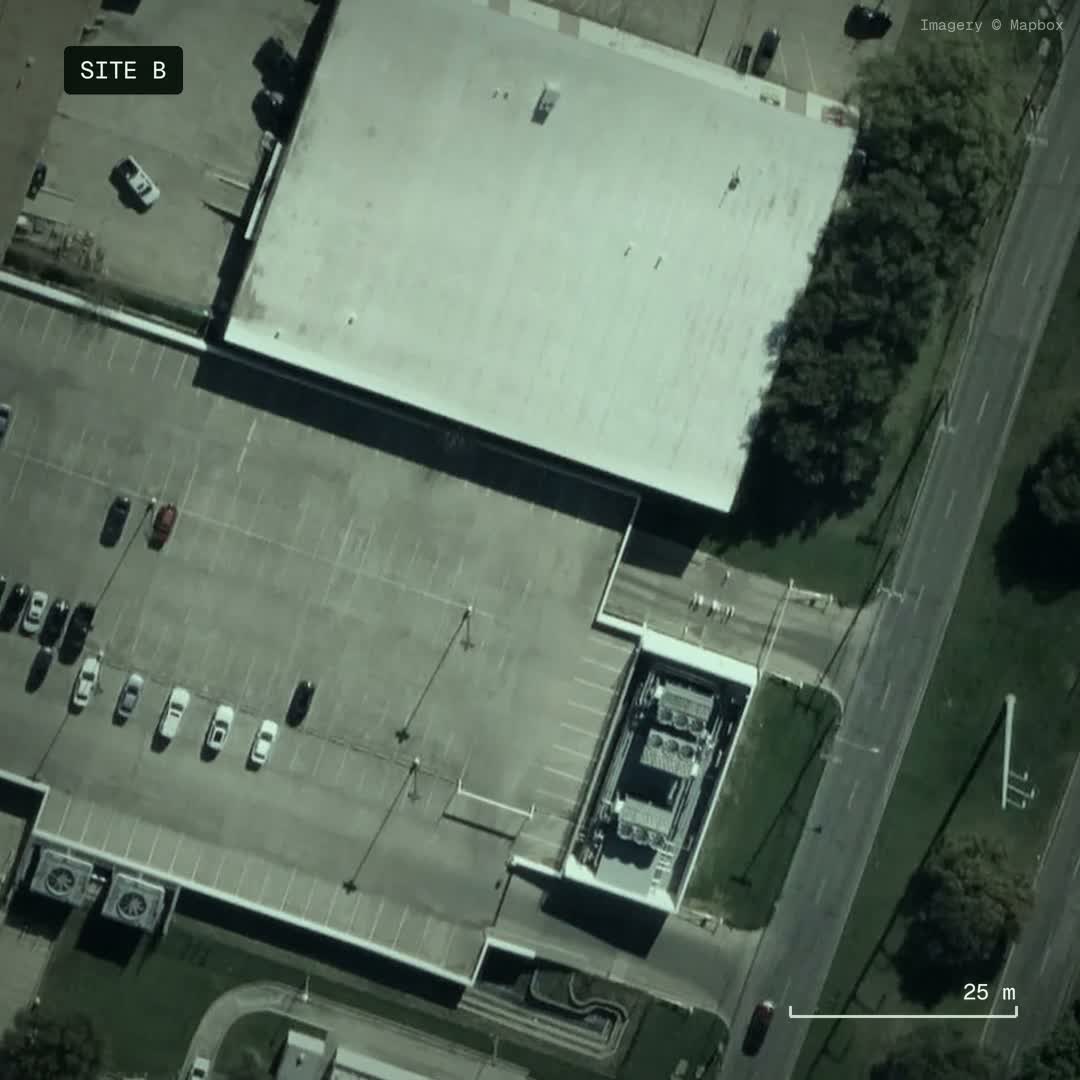
Anonymized satellite demo frame. Imagery © Mapbox.
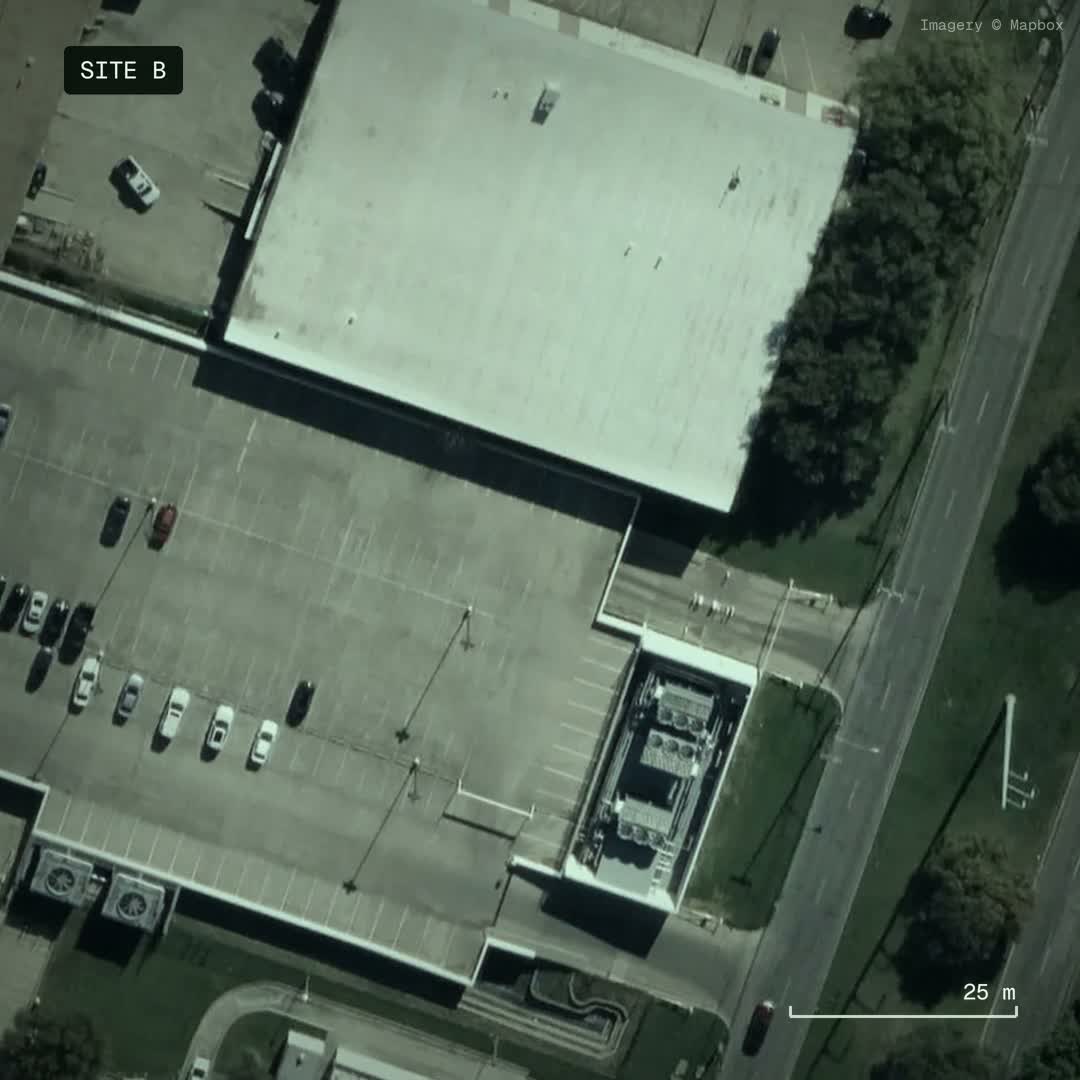
satellite-input.jpg. Get a Morph API key and set it in your terminal:
2. Ask a question
Save this asreflex.py, then run python3 reflex.py. It uses Python’s standard library.
state is the context. questions names each decision. criteria describes the options. For a text-only request, leave out images and put your text or JSON in state.
Images must be inline base64 data URLs, not web links. PNG, JPEG, and WebP are accepted, up to 16 images and 8 MB per image. Put images in images or in image_url parts inside state, never inside a question.
3. Read the decision
This is the production response for the image and request above. Results can vary.
choice is the most likely option. probabilities sum to 1. confidence measures the selected answer against the model’s full vocabulary, so it can be lower than that option’s probability. Choose your own confidence threshold for automatic actions.
Other question types
Use several named questions in the same request when they share a state.
The original satellite demo evaluated a capacity claim using observations supplied as text. This example sends the image directly and asks only what is visible; a satellite image alone does not establish usable electrical capacity.
For request fields and errors, see the API reference. Invalid images or question shapes return
400; unsupported media such as audio, video, or remote image URLs return 422. Check the returned error message before retrying.
Reuse the image with caching
Caching is automatic. Send the same image, state, and question again; no cache flag or cache ID is needed. Checkusage.input_tokens_details.cached_tokens to see how much input was reused.
In the Python example above, replace the block starting at request = Request(...) with this:
The repeated requests reused 91.6% of input tokens. Changing the image caused a cache miss and changed the decision; returning to the original image reused its cached state. These are measured calls, not latency guarantees. Cache availability and token counts can vary. If the image and context are already warm, even the first call can be a cache hit.
Cached input costs
$0.008 per million tokens; uncached input costs $0.042. Input usage sums across questions, including image tokens. Caching reuses model computation, not a saved answer.